How to Download Bike Insurance Copy Online in 5 Minutes?
A bike insurance policy copy can be downloaded online using the insurer’s website, DigiLocker, mParivahan, email, or customer support. The process may require details such as the vehicle registration number, policy number, or registered mobile number.
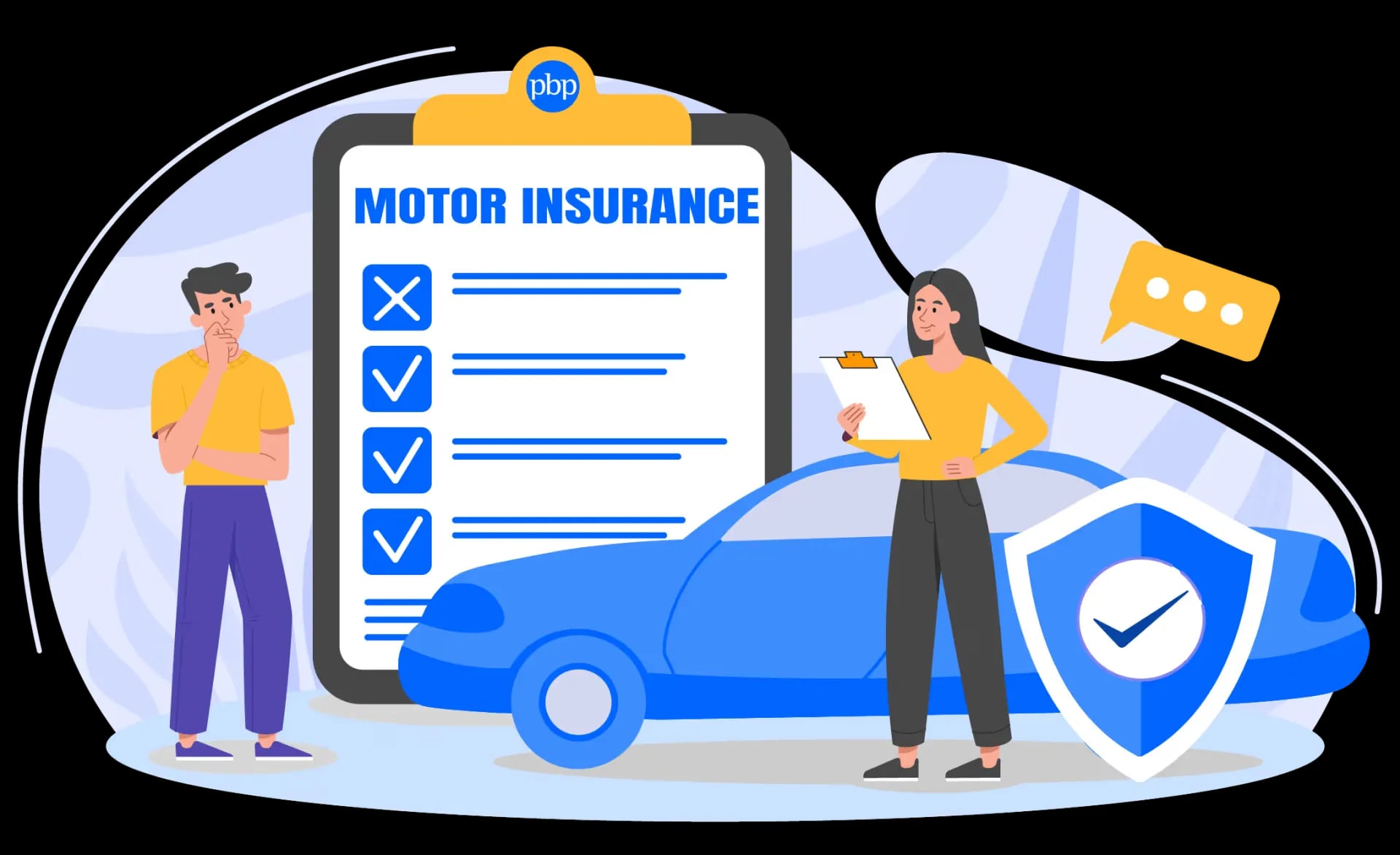
When you own a two-wheeler, it is not enough to just insure it. You must also have the insurance documents with you, as they are proof that you have a policy. However, that does not mean that you have to carry the physical document with you at all times. You can also use an e-copy of our policy, as it has the same legal standing as the physical one. As per IRDAI guidelines and the IT Act, these digital e-insurance copies are legally valid for all traffic checks. But you must learn how to download bike insurance copy documents online.
Why Do You Need a Bike Insurance Copy?
Maintaining a copy of your bike insurance policy is crucial since it contains all of your policy details and acts as evidence of your coverage. The copy may be kept digitally, or it may be in physical form. The following situations call for the use of a copy of your bike insurance:
- Traffic checks: When traffic police request proof of insurance, it may be required.
- Filing insurance claims: When submitting a claim to the insurer, you may need to provide details about your coverage.
- Policy renewal: When renewing your insurance, information from your prior policy, like policy number, expiration date, and vehicle details, may be useful.
- Transfer of ownership: When transferring a bike, insurance information could be required.
- Verifying your policy's validity: You can verify insurance facts, such as the type of insured vehicle and its validity, using a copy of the document.
These tasks can be challenging if you don't have your insurance details on hand. For simple access anytime you need information, it is crucial to have a copy in a handy location. Having an access all your insurance policies is a good idea if you oversee numerous insurance plans for different cars and homes.
Prerequisites: What Details Do You Need to Get Your Policy Copy?
Before attempting any online download method, keep specific information handy. Different portals require distinct identifiers to securely locate your policy schedule in their databases.
If you happen to manage multiple vehicles in your household and need to secure your four-wheeler papers as well, you can follow an identical prep step to Download Duplicate Car Insurance Policy Online using the exact same set of credentials.
- Vehicle Registration Number: Your standard license plate number (e.g., DL 3C XX XXXX).
- Policy Number: The unique code listed on your original confirmation email or renewal SMS.
- Engine & Chassis Number: The last 5 digits of these codes, which are stamped on your bike's engine block and chassis plate.
- Registered Contact Info: The specific mobile number and email ID you provided during policy purchase to receive OTP verifications.
How to Verify Your Bike Insurance Details Online?
When downloading a copy of a bike insurance policy, it is useful to confirm that it is up to date and that the information associated with the vehicle is correct. Before obtaining a complete copy of the policy, you can utilise online verification to find out the insurer, policy number, and validity period.
Depending on the insurance and/or platform, you can look for details such as:
- Policy number: Check your records and the online policy number.
- Insurer name: Verify that the insurance name is accurate.
- Dates of policy validity: Based on the policy's start and end dates, determine whether it is in effect.
- Vehicle details: Verify your bike’s registration documents for the registration number and other vehicle details.
It's important to distinguish between policy verification and policy download. Online verification can confirm whether your bike insurance is active and show basic details such as the insurer, policy number, and validity period. However, it may not provide the complete policy document. If you need the full document for your records or a claim, you should proceed with a bike insurance download through the insurer or an authorised digital platform.
Before you download bike insurance copy by vehicle number, check that the policy details and expiry date are correct. This helps ensure that you are accessing the latest policy document and that the coverage is still active. If you need to check the insurance status of a car instead, you can also check car insurance expiry online through the insurer or a government-supported vehicle information service.
Method 1: Downloading Bike Insurance via Your Insurer's Official Portal
Most major Indian insurers, such as Bajaj Allianz, ICICI Lombard, Royal Sundaram, and HDFC ERGO, offer a quick, self-service tracking portal. You do not need to log into a complex account dashboard to download your document.
Quick Breakdown of Main Insurer Portals
| Insurer Portal | Primary Input Required | Delivery Channel |
| Bajaj Allianz | Policy Number / Mobile Number | Instant PDF Download & Email |
| ICICI Lombard | Mobile Number + OTP / Vehicle Number | Screen Download & WhatsApp |
| Royal Sundaram | Policy Number / Registration Number | Email Delivery Link |
| Tata AIG | Registered Mobile Number | Portal Dashboard Export |
Step-by-Step Retrieval Process
- Navigate to the support page: Open your web browser and visit the official website of your insurance provider. Look for options labelled "Support", "Customer Care", or "Download Policy" located in the top navigation bar or the website footer.
- Provide your core identifiers: Select the "Two-Wheeler Insurance" category. Enter your registered mobile number or policy number in the designated field.
- Complete the security verification: Click on the "Generate OTP" button. A 6-digit verification code will arrive on your registered phone via SMS. Enter this code into the portal verification box within the active timer window.
- Access your certificate: Once verified, the page will refresh to display your active insurance policy records. Click on the link marked "Download Policy Schedule" or "Get Certificate of Insurance".
- Save the file: The system will generate a fresh bike insurance copy PDF download by vehicle number or policy number. Save this directly to your smartphone or to your local desktop.

Method 2: How to Get Bike Insurance Copy Online by Vehicle Number via Parivahan / DigiLocker?
If you cannot recall the name of your insurance provider or do not have the policy number, national platforms operated by the Ministry of Electronics and IT and the Ministry of Road Transport and Highways (MoRTH) can be used. Beyond just your two-wheeler, if you are struggling to manage multiple coverage plans across different providers, you can learn how to check all insurance policies online through a unified digital dashboard.
Steps for DigiLocker (Web Browser and Mobile App)
- Access your account: Open the DigiLocker app or head directly to the official DigiLocker web portal. Log in using your Aadhaar number or username along with your secure 6-digit security PIN.
- Search for the document category: Navigate to the search bar on the home dashboard and type in "Insurance Policy". Select the option corresponding to your actual insurance provider or select the centralised repository options.
- Input your vehicle identities: Type your vehicle registration number into the form. Enter the full chassis number or engine number if requested by the system interface.
- Fetch the digital record: Tap on the "Get Document" button. The system connects directly with the live IRDAI data feed to verify your vehicle coverage status.
- Store in your issued files: The confirmed policy paper is placed automatically into your "Issued Documents" folder. This certified PDF may be opened, viewed, and downloaded at any time, even without an internet connection.
Steps for the mParivahan App
- Open the app utility: Launch the mParivahan application on your mobile device.
- Run a vehicle search: Select the "RC" (Registration Certificate) tab situated prominently on the home screen search widget.
- Enter your plate details: Enter your complete vehicle registration number and press the search icon.
- Review the insurance metadata: The app displays an abbreviated digital abstract of your RC details. Scroll down to see your insurance company name, your active policy number, and the expiry date.
- Create a virtual dashboard card: Click "Add to Dashboard" to verify ownership via engine/chassis numbers. This saves a permanent digital status card on your device.
Alternative Method: Retrieving Your Policy via Email or Customer Support
When web portals experience technical glitches or server downtime, you can use automated customer service lines to receive your policy copy within minutes.
- Check your email archives: Run a quick keyword search in your email inbox using terms like "Two-Wheeler Insurance Policy Schedule", "Certificate of Insurance", or your insurer's brand name. Most digital policies are sent automatically from verified corporate accounts at the time of purchase.
- Use official WhatsApp Chatbots: Save the verified customer care WhatsApp number of your insurer (on their contact page). Message them Hi or Download Policy from your mobile number registered. Follow the automated chat prompts to receive an instant PDF copy directly to your chat window.
- Call the central helpline: Dial the customer care helpline number for your insurer. Provide your full name, vehicle registration details, and date of birth to the support representative. They will trigger an automated email containing your valid policy document link directly to your inbox.
What Details Are Mentioned in a Bike Insurance Policy Copy?
A copy of a bike insurance policy includes details on the policyholder, insured bike, coverage, and premium. The following details are usually included in a policy document, but the format and content may differ depending on the type of insurance and the insurance company:
- Personal details: The policyholder's name and other pertinent information about the person covered by the insurance policy.
- Vehicle registration number: The number of the insured two-wheelers that are registered.
- Policy number: A distinct number that can be used to identify the insurance policy.
- Information regarding coverage: What kind of insurance will cover the bike and how much?
- Third-Party Liability Coverage: Iinformation about third-party liability coverage under the policy.
- Policy Period: The start and end dates of the policy, as determined by its terms and conditions.
- Premium details: Details on the premium, including the components that apply and the amount that needs to be paid.
Is a Digital Copy of Bike Insurance Legally Valid During Traffic Checks?
Yes, a digital copy of your bike insurance is completely legal and valid across India. You do not need to carry physical papers if you can present a digital document. Under Rule 139 of the Central Motor Vehicles Rules (CMVR), 1989, and backed by the Information Technology Act, 2000, digital vehicle documents presented through verified channels like DigiLocker or mParivahan hold the exact same legal status as original physical certificates printed by your insurer.
This implies that a valid policy status on the mParivahan dashboard or a real downloaded policy PDF takes care of all your legal responsibilities under the Motor Vehicles Act. However, riding a two-wheeler without a valid and provable third-party insurance policy is a violation of the Motor Vehicles (Amendment) Act. This violation is a fine payable in cash for your first offense. Subsequent offenses can result in higher fines and even jail time.
Bike insurance is one of the important documents associated with a two-wheeler. Vehicle owners must keep their Registration Certificate (RC), driving licence and other applicable documents accessible while riding. If you have misplaced your physical RC, you can download RC book online.
What to Do If You Can’t Find Your Policy Number or Vehicle Details?
Losing both your physical document and your policy number can feel stressful, but you can recover your details online using alternative search parameters.
- Utilise the VAHAN e-Services Portal: Go to the official website of Parivahan Seva and click on ‘Know Your Vehicle Details’. Enter your mobile number to log in, and then enter your bike registration number. The portal shows your current insurance provider and policy expiration timeline.
- Check your financial accounts: If you bought your policy online, check your net banking app, debit/credit card statements, or digital wallet histories (like Paytm, PhonePe or Google Pay). Try looking for transactions around the time you last renewed your policy. The transaction reference details usually contain your policy number or the corporate name of the insurer.
- Visit your local RTO office: If the online searches don’t get you anywhere, then visit the local Regional Transport Office (RTO) where your vehicle is registered. Give the office officials your engine and chassis numbers to help them find your current paper records on their backend system.
Conclusion
Learning how to download an insurance copy of bike paperwork online will help you stay 100% compliant with Indian road rules. It will take just a few minutes to get the digital policy schedule, whether it is through the customer care portal of your insurer, through the DigiLocker app to pull the policy schedule or through an instant WhatsApp chatbot link. So, it’s always a good idea to have an official offline copy on your smartphone to avoid fines in case of unexpected transit checks or areas with poor network connectivity.
Disclaimer* :- The information provided here is for general awareness only. It does not constitute professional advice. While care has been taken to ensure accuracy, readers are advised to consult a qualified professional before making any decisions.
FAQs
Can I download my bike insurance copy without a policy number?
Yes. Your document is available on the DigiLocker platform or mParivahan app. Get the record straight from the database by simply keying in your vehicle registration number and the last 5 digits of your chassis or engine number.
Is a screenshot of my online bike insurance valid for the traffic police?
While a high-resolution screenshot displays your policy data, traffic authorities prefer documents shown directly inside the DigiLocker or mParivahan apps. You can also present the official downloaded policy PDF, which includes your insurer's digital signature.
Are there any charges to download a duplicate policy copy online?
No. Downloading a duplicate or fresh copy of your active two-wheeler insurance policy is entirely free of charge on all official insurance websites, DigiLocker, and Parivahan portals. Avoid any third-party websites that charge fees to retrieve your records.
How can I get my policy copy if I bought it through an offline agent?
You can still access your policy online. Find out which specific insurance company issued your offline policy, go to their official website, and enter your registered mobile number or vehicle details to locate and download your digital document.
How long does it take for a newly renewed policy to show up on Parivahan?
Most insurance companies update their data feeds instantly, but it can sometimes take 2 to 7 working days for your renewed policy records to fully sync with the central VAHAN database.


Comments (0)
Leave a Comment
No comments yet. Be the first to comment!